FTTH Loss Budgets, Worked Out: Splitters, Connectors and Margin
A loss budget tells you whether a PON link will work before you build it, and whether a test result passes after. Here is a full worked example for a GPON link with a 1x32 split, step by step.
In this article
A loss budget answers one question: will the light that leaves the OLT still be strong enough to work when it reaches the customer's ONT? It's the math behind your design, and it's what your acceptance test results get compared against.
Here's how to build one, with a worked example you can adapt.
The pieces of a loss budget
Every passive optical network (PON) link loses light in a few places:
- Fiber attenuation: loss per kilometer of fiber, which depends on wavelength
- Splices: a small loss at every fusion splice
- Connectors: loss at every mated connector pair
- Splitters: by far the biggest single loss in a PON
- Margin: headroom for aging, repairs and future splices
The total of the first four has to stay below what the optics can handle (the optical budget of the PON class), with margin to spare.
Typical design values
Use your owner's or engineer's values when you have them. If you're estimating, these are common design assumptions for single-mode fiber:
- Fiber attenuation: about 0.35 dB/km at 1310 nm, 0.25 dB/km at 1550 nm
- Fusion splice: about 0.1 dB each
- Mated connector pair: about 0.5 dB each
- 1x4 splitter: about 7.3 dB
- 1x8 splitter: about 10.5 dB
- 1x16 splitter: about 13.8 dB
- 1x32 splitter: about 17.2 dB
Splitter loss is mostly physics: every time the light is split in two, each output gets half (3 dB), plus a little excess loss. A 1x32 is five halvings, so it's always going to be around 17 dB.
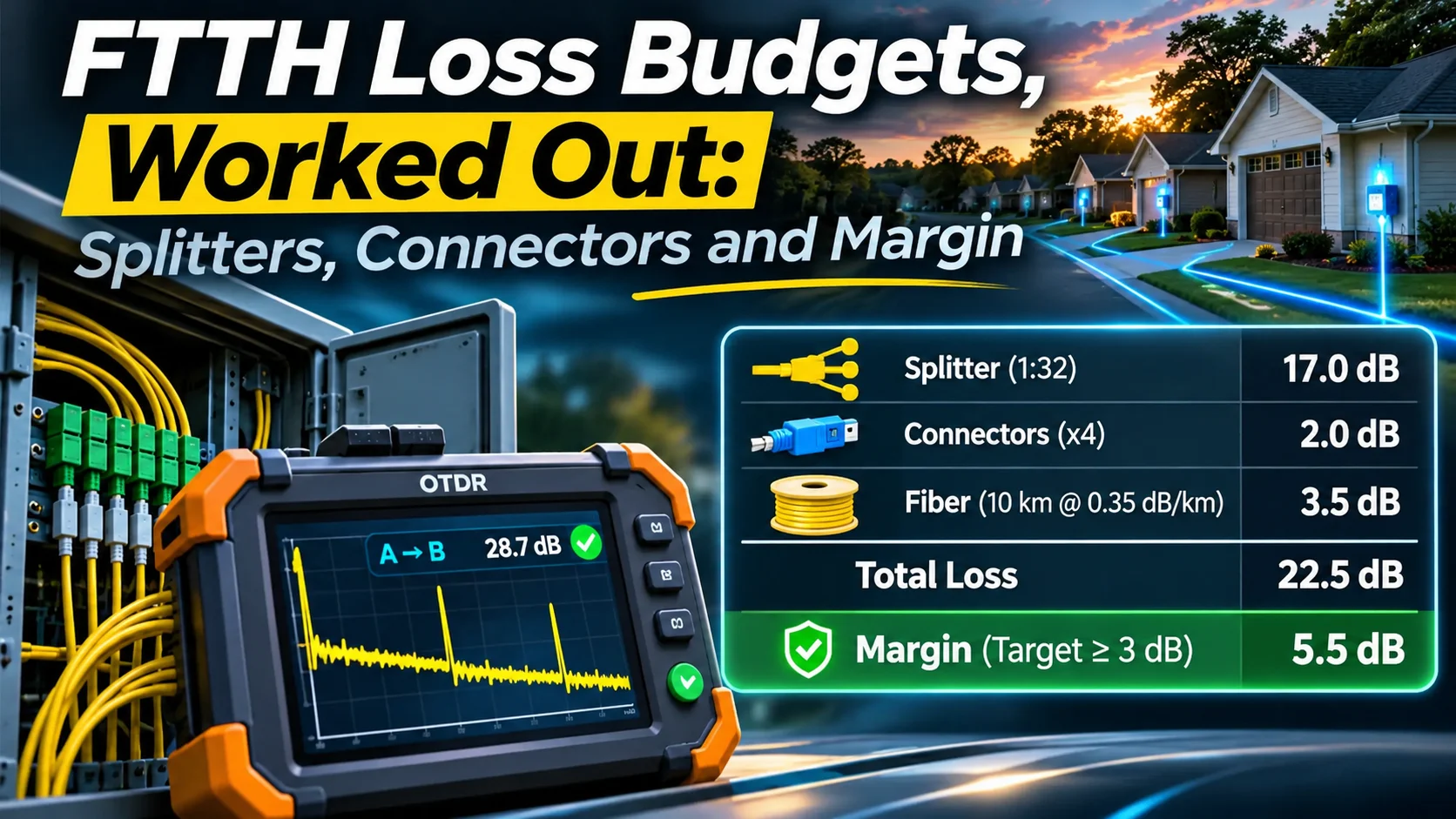
Worked example: GPON with a 1x32 split
The link:
- 12 km from the OLT to the customer
- One 1x32 splitter in a cabinet
- 8 fusion splices along the route
- 4 mated connector pairs (OLT patch panel, splitter input, splitter output, drop terminal)
At 1310 nm (upstream):
- Fiber: 12 km × 0.35 dB/km = 4.2 dB
- Splices: 8 × 0.1 dB = 0.8 dB
- Connectors: 4 × 0.5 dB = 2.0 dB
- Splitter (1x32): 17.2 dB
- Total: 24.2 dB
At 1490/1550 nm (downstream), fiber attenuation is lower: 12 × 0.25 = 3.0 dB, so the total is about 23.0 dB.
Against the optics: GPON Class B+ optics support roughly 13 to 28 dB of link loss. The worst case here is 24.2 dB, which leaves about 3.8 dB of margin.
Many designers want at least 3 dB of margin to cover aging, a future repair splice or two, and dirty connectors. This link is fine. Push the route to 20 km or add a second splitter stage and the margin disappears fast.
Cascaded splitters
A 1x4 in a cabinet feeding a 1x8 at the terminal also gives a 1x32 split, but the loss adds up from both stages:
7.3 dB + 10.5 dB = 17.8 dB
That's a bit more than a single 1x32, plus an extra connector pair or two. Small numbers, but they come straight out of your margin.
Using the budget at acceptance
The loss budget isn't just a design tool. It's what your OLTS (light source and power meter) results should be compared against:
- Calculate the expected loss for each fiber path from its actual length, splice count, connector count and splitters.
- Compare the measured insertion loss to that budget.
- A result well over budget points to a problem: a bad connector, a bend, a high splice.
- A result well under budget can be a red flag too. It may mean the test bypassed something, or used the wrong reference.
The mistake we see most: one flat pass/fail number for every fiber regardless of length or split. A 2 km path and a 15 km path shouldn't have the same allowed loss. Per-path budgets catch real problems; flat limits hide them.
Quick checklist
- Get the PON class and optic specs before design is final
- Use the owner's attenuation, splice, connector and splitter values when they exist
- Count every connector, including patch panels and splitter ports
- Keep at least 3 dB of margin, or whatever your owner requires
- Build the budget per path, using as-built lengths, not design lengths
SplicePoint calculates allowed loss per fiber from its traced path, including length, splices, connectors and each splitter by its ratio, and checks every test result against it. Book a demo.
See SplicePoint on your next build
Field apps, splicing records, testing and closeout in one platform for fiber contractors.